
Laura Porcincula
Former Community Manager
November 7, 2023

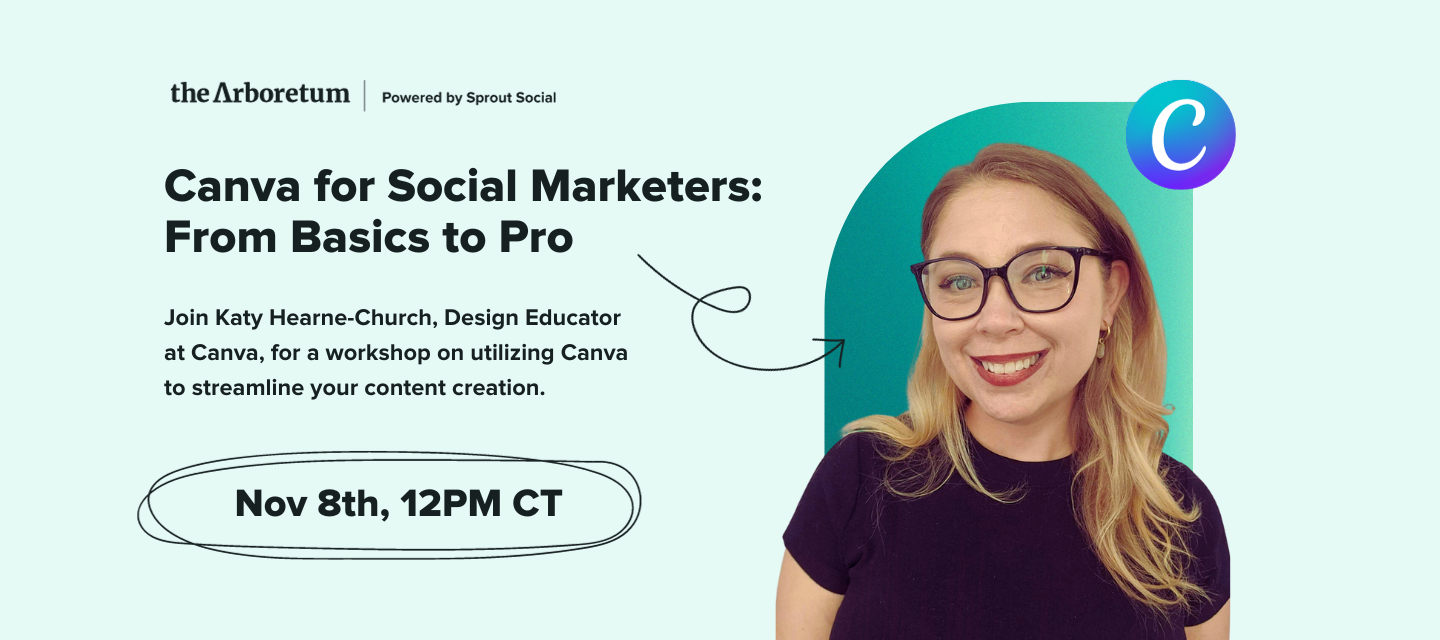
🔴 Watch the Recording! Canva for Social Marketers: From Basics to Pro
  • November 7, 2023
  • 85 replies
  • 1824 views
🔴 Watch the Recording! Canva for Social Marketers: From Basics to Pro

We're excited to invite you to an exclusive workshop with Katy Hearne-Church, Design Educator at Canva, as she shares tips and tricks that will change how you approach content creation. 

In this workshop, Katy will guide you through some time-saving techniques to help you optimize your workflow and create engaging content more efficiently. Whether you're a seasoned Canva user or just getting started, there's something for everyone. 

We'll also show you how Canva can help you collaborate with your teams and organize your work so you can create engaging content with ease. Plus, we'll give you the lowdown on Canva's features, including free and subscription-based options. 

Register now to ensure you join this invaluable session with Katy from Canva!

RSVP Now:



Katy is an experienced Canva Trainer and Workshop Host passionate about helping individuals express their creativity and produce stunning, professional-looking graphics. Her extensive knowledge of Canva and social media makes the perfect partnership for The Arboretum, and she is excited to share her expertise with our community.Known for her conversational and professional style, Katy is committed to providing guidance and answering questions while creating a supportive learning environment. Her many years of content creation experience, particularly in social media, has given her the skills to assist both beginners and experienced creators take their designs to the next level.


If you missed this event, watch the recording now:


Be sure to download the Social Media with Canva Workbook to practice what you’ve learned!

85 replies

Seedling
November 8, 2023

Magic Write!

Seedling
November 8, 2023

I’m excited to check out the workbook!

Seedling
November 8, 2023

✨ Giveaway question! Thread your answer below, and you could be one of the five lucky members to win an Arboretum Swag Package!

Question: Which Canva feature discussed today was most valuable to you and why?

Share your answer in the thread, and we'll announce the winners on Monday!

Which Canva feature discussed today was most valuable to you and why?


*The promotion begins at 12pm CT on November 8th, 2023 and ends at 11:59pm CT on November 10th, 2023. To participate in the promotion, answer and reply to one of outline discussion questions. No purchase necessary. There will be a total of five prizes awarded. Each prize will consist of a branded Port Authority Document Tote, Moleskine Large Journal, 16.9oz Bell Echo Bottle, and a EOS Lip Balm. Limited to those 21 years or older. Open to legal residents of the United States (with the exception of Hawaii), the District of Columbia (“D.C.”), Puerto Rico, Guam, American Samoa, and the U.S. Virgin Islands. Information provided to Sprout Social, Inc. is subject to our privacy policy. For details, see this promotion’s complete official rules which govern this promotion. Sprout Social, Inc. address: 131 S Dearborn St Ste 700, Chicago, IL 60603.


Magic Switch. We currently design everything in IG dimensions for simplicity/time saving, but this might help us create platform-specific versions and improve post engagement.

Seedling
November 8, 2023

This was excellent! I loved learning how to add audio and how to remove the background in images. Also GREAT to know it is integrated into Spout Social.

Seedling
November 8, 2023

This was all great information, but I love seeing the different ways you use Canva / can use Canva, specifically the audio and video additions available, and how best to use them. The AI function is also something I haven’t used yet, but now feel more comfortable with it!

Seedling
November 8, 2023

I really enjoyed learning about the Magic Write AI tool! I hadn’t learned about that tool and think it will be super useful in brainstorming and gathering inspo. Especially since I live in Canva a lot of the time! Super great workshop (: 

Tagged Tendril
November 8, 2023

The most valuable Canva feature that was shared today was the brand kit. Having all of the fonts, colors, and styles organized and saved by brand is a gamechanger to making quick-turn, on-brand content. 


I’m also really excited abou the Canva Sprout Integration!

Tagged Tendril
November 8, 2023

The animating features were most valuable to me since my team and I have been struggling to streamline producing video content for Reels. It’s so great to know that effective video content doesn’t have to be a professional production and just adding a few elements can make static image engaging! Will definitely be utilizing this more for social content!

Seedling
November 8, 2023

Oh my gosh I didn’t even know Magic Write existed, or that I could add a video app! Such a helpful webinar, thank you all!

Seedling
November 8, 2023

The most useful tool for my team has been the Branding Center. Keeping branding consistent across dozens of users is truly invaluable.