
Laura Porcincula
Former Community Manager
November 7, 2023

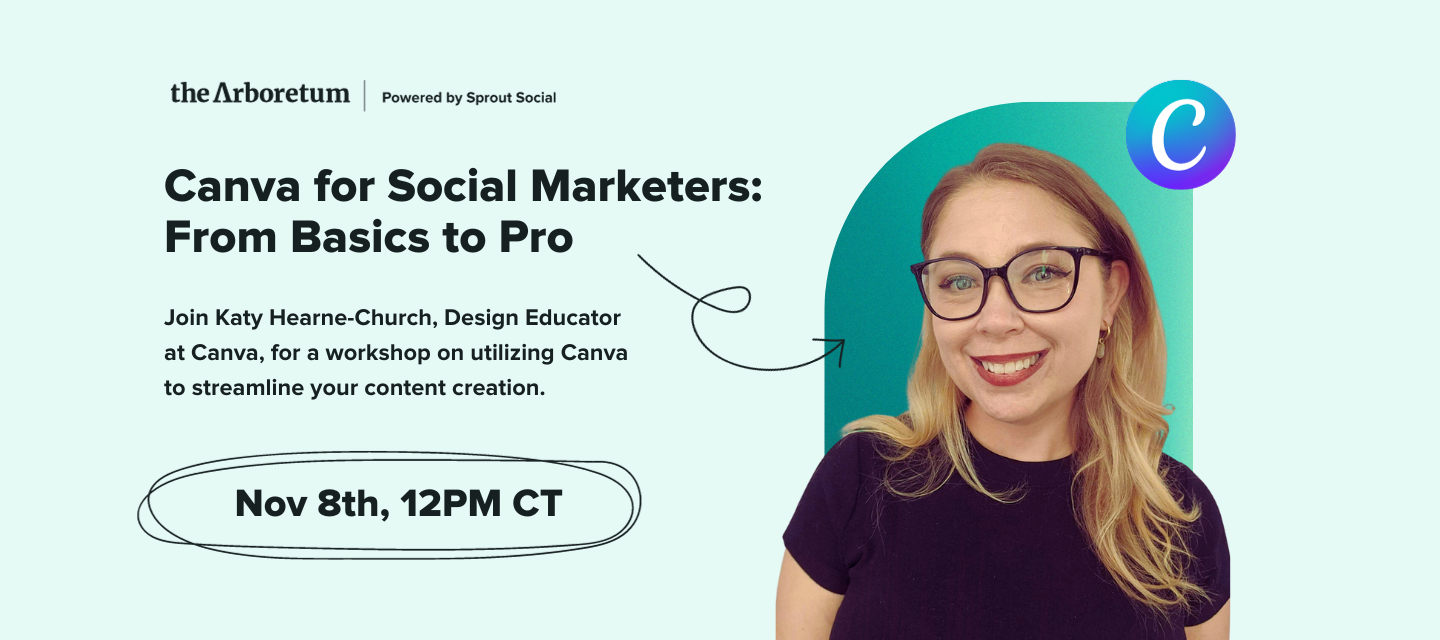
🔴 Watch the Recording! Canva for Social Marketers: From Basics to Pro
  • November 7, 2023
  • 85 replies
  • 1824 views
🔴 Watch the Recording! Canva for Social Marketers: From Basics to Pro

We're excited to invite you to an exclusive workshop with Katy Hearne-Church, Design Educator at Canva, as she shares tips and tricks that will change how you approach content creation. 

In this workshop, Katy will guide you through some time-saving techniques to help you optimize your workflow and create engaging content more efficiently. Whether you're a seasoned Canva user or just getting started, there's something for everyone. 

We'll also show you how Canva can help you collaborate with your teams and organize your work so you can create engaging content with ease. Plus, we'll give you the lowdown on Canva's features, including free and subscription-based options. 

Register now to ensure you join this invaluable session with Katy from Canva!

RSVP Now:
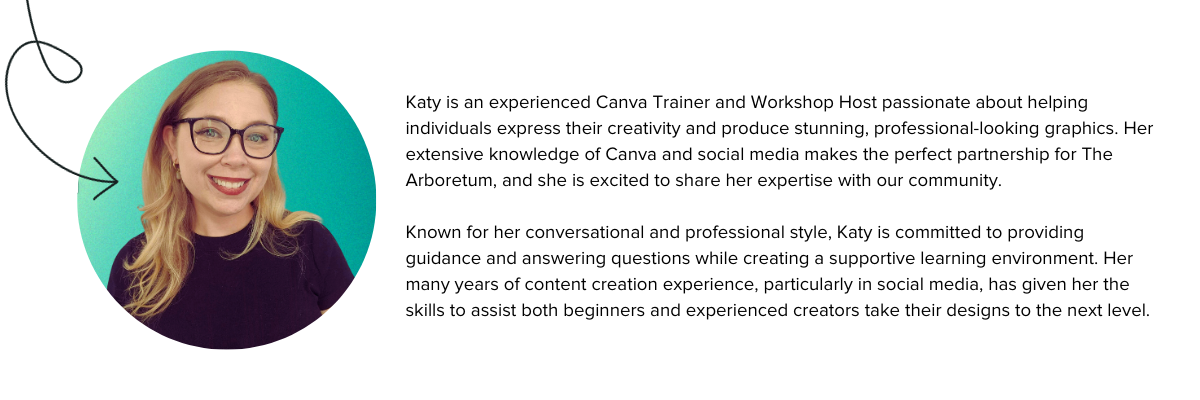


Katy is an experienced Canva Trainer and Workshop Host passionate about helping individuals express their creativity and produce stunning, professional-looking graphics. Her extensive knowledge of Canva and social media makes the perfect partnership for The Arboretum, and she is excited to share her expertise with our community.Known for her conversational and professional style, Katy is committed to providing guidance and answering questions while creating a supportive learning environment. Her many years of content creation experience, particularly in social media, has given her the skills to assist both beginners and experienced creators take their designs to the next level.


If you missed this event, watch the recording now:


Be sure to download the Social Media with Canva Workbook to practice what you’ve learned!

85 replies

Seedling
November 8, 2023

I cannot sing enough praise for the background remover! It helps makes the images I need useful for a multitude of purposes, and it helps elevate the content you’re making. I use it at least once a day and it’s especially great for when I make quote posts with our leaders' images to add a more familiar and personal touch to our content. Magic write is great too when you need help ideating content ideas!

Seedling
November 8, 2023

I really liked the example of using Magic Switch to quickly make a reel/tiktok and how easily you can create full-page animations to create a video out of a static image!

Seedling
November 8, 2023

I got a lot better insight into how the AI writing tool works. I’ve been reluctant to use since i haven’t had great results in the past, but your clarifications during the demo really helped frame best use of the tool in Canva!

Seedling
November 8, 2023

The magic switch and transitions!

Tagged Tendril
November 8, 2023

I loved the Magic Write feature and learned some new Canva shortcuts!

Seedling
November 8, 2023

The tutorial on creating reels from static posts was most valuable to me. It gave me lots of ideas of how to create reels when I don’t have “real video” available, 

Seedling
November 8, 2023

Animation feature - it will definitely make my Stories less boring.

Seedling
November 8, 2023

Absolutely loved this webinar and learned so many cool new tricks to take back to our marketing team. Thank you!

Seedling
November 8, 2023

Honestly, all of it was very useful. I’m new to Canva pro and never had any formal training so I’ve just been learning as I go. The AI tools are very exciting - now I don’t have to go to ChatGPT for everything 😅

Seedling
November 8, 2023

Magic write. Creating the animated posts with audio.