
Laura Porcincula
Former Community Manager
November 7, 2023

🔴 Watch the Recording! Canva for Social Marketers: From Basics to Pro
  • November 7, 2023
  • 85 replies
  • 1824 views
🔴 Watch the Recording! Canva for Social Marketers: From Basics to Pro

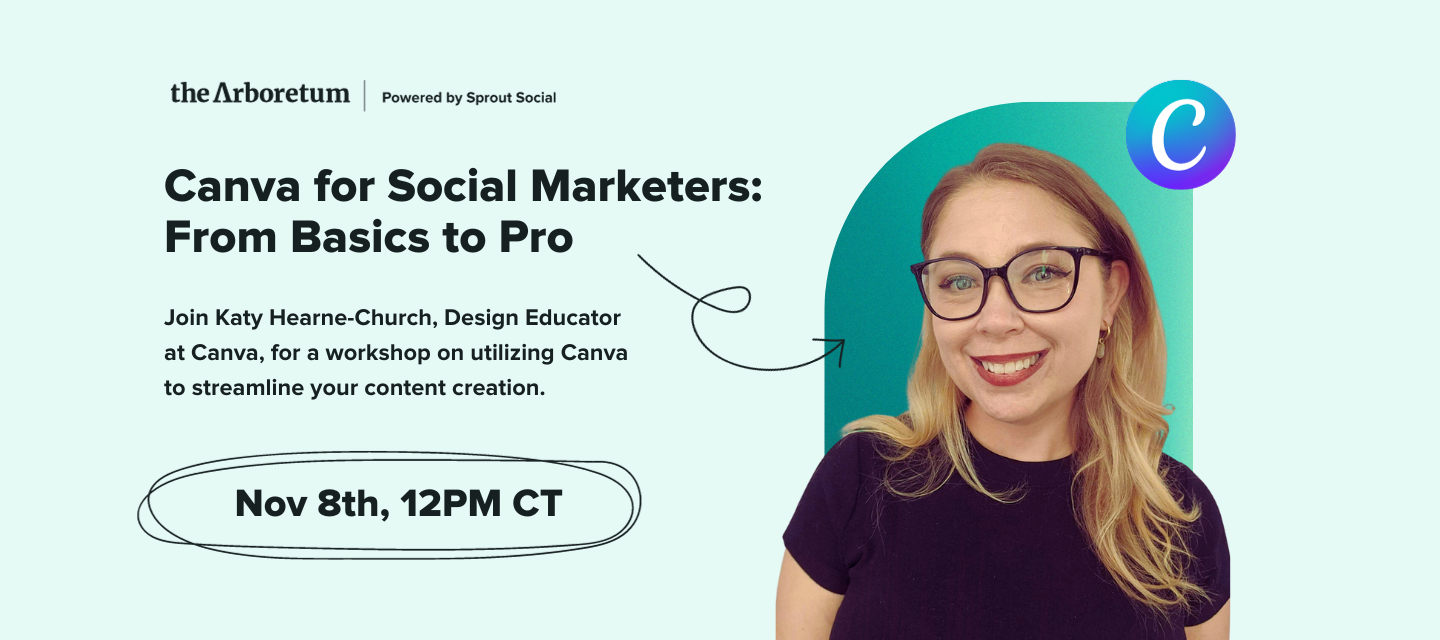
We're excited to invite you to an exclusive workshop with Katy Hearne-Church, Design Educator at Canva, as she shares tips and tricks that will change how you approach content creation. 

In this workshop, Katy will guide you through some time-saving techniques to help you optimize your workflow and create engaging content more efficiently. Whether you're a seasoned Canva user or just getting started, there's something for everyone. 

We'll also show you how Canva can help you collaborate with your teams and organize your work so you can create engaging content with ease. Plus, we'll give you the lowdown on Canva's features, including free and subscription-based options. 

Register now to ensure you join this invaluable session with Katy from Canva!

RSVP Now:
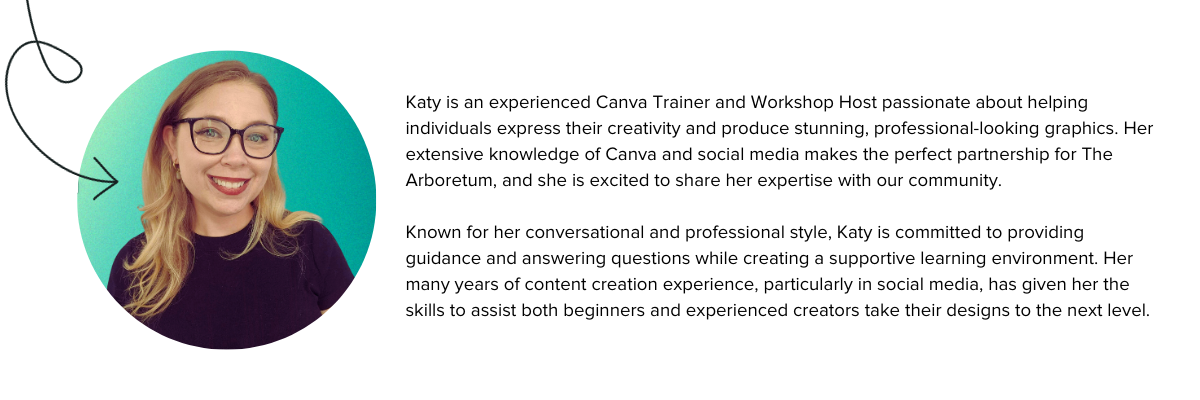


Katy is an experienced Canva Trainer and Workshop Host passionate about helping individuals express their creativity and produce stunning, professional-looking graphics. Her extensive knowledge of Canva and social media makes the perfect partnership for The Arboretum, and she is excited to share her expertise with our community.Known for her conversational and professional style, Katy is committed to providing guidance and answering questions while creating a supportive learning environment. Her many years of content creation experience, particularly in social media, has given her the skills to assist both beginners and experienced creators take their designs to the next level.


If you missed this event, watch the recording now:


Be sure to download the Social Media with Canva Workbook to practice what you’ve learned!

85 replies

Seedling
November 8, 2023

The animation and transition features were awesome! I considered myself a Canva pro, but it turns out I don’t have much experience with Canva videos. The demonstration was so helpful!

Seedling
November 8, 2023

This was great, thank you both! 
My favorite canva tools and the definitely the background remover and now the magic tools. So much inspiration from them. 
Looking forward to have the text design tools optimized for Cyrillic alphabet - you`ll have a bunch more happy users :)))  

julia.karacius
Seedling
November 8, 2023

This was a great first Arboretum workshop for me! I really enjoyed learning about the Magic Write option. Thanks for answering my question as well, and I will definitely be looking into the text to image/video features!!

Seedling
November 8, 2023

With it being a hot topic in my day-to-day, I’d have to say magic write, reels and the bit on accessibility. Knowing that that the latter can be easily added, was eye-opening, given that a large percentage of users don’t take advantage of it. 

Seedling
November 8, 2023

I really loved learning about the magic switch tool! Since I make the same content for so many channels, it really comes in handy!

chasity.rodriguez
Seedling
November 8, 2023

I was not able to attend and really wanted too! Can I get a recording of the workshop?

Thank you

Seedling
November 8, 2023

Definitely the animations and movement to make your design have a little extra pizzazz! As well as the branding how easy branding can be!

Laura Porcincula
Former Community Manager
November 8, 2023

Thank you so much to everyone who attended The Arboretum event Canva for Social Marketers: From Basics to Pro Live!

I learned so much from Katy at Canva, and it seems you all did too. As promised, here are some of the resources we talked about today:

The recording is uploading now so I’ll be sure to share it first thing tomorrow, along with answers to some of your remaining questions.


Laura Porcincula (she/her)
Laura Porcincula
Former Community Manager
November 9, 2023

Thank you so much to everyone who attended The Arboretum event Canva for Social Marketers: From Basics to Pro!

I learned so much from Katy at Canva, and I hope you did too.

We weren’t able to get to this question from @nyoung and @Burns1604, where can I find more Canva training videos? There is a link to more of Katy’s trainings in the Canva Handbook linked below!

For those of you who weren’t able to attend the live session, here’s the recording:


Download the Canva Handbook to practice!

Make sure to download and complete the Canva Handbook to practice what you learned today.

Laura Porcincula (she/her)
Tagged Tendril
November 9, 2023

Magic Switch! I didn’t realize you could do multiple new files at once